 Quiz Notebook
Revision PDF
Stop photographing and cropping.
Pull your missed questions straight from the exam PDF.
All you need is the exam PDF and the numbers of the questions you got wrong. Mark each question area and you get a PDF with one question per page and writing space below it.
Make a free revision PDF →No sign-up · up to 2 questions at a time · repeat as often as you like · your PDF is never sent to a server
Three ways to build a revision PDF
- Photograph each question and paste it into a note app
The most common way. But every question needs a photo, a crop and resizing, and tilted or blurry shots are hard to read when you retry them. - Print a blank mistake-log template and copy questions by hand
The template looks tidy, but you have to copy the question text yourself. Long passages and diagrams wear you out. - Select the question areas in the exam PDF and save a new PDF
Each original question lands on its own page with writing space underneath. This is the method described on this page.
Save a revision PDF from an exam PDF
- Open the exam PDF. Use material you wrote yourself or have permission to use.
- Note the number and page of each missed question, then drag over its area on that page. Include the passage, diagram and answer choices.
- Save as PDF. Each question fills one A4 portrait page with writing space below. Import the file into the note app you already use.
Web demo limits: text-based PDFs up to 30 MiB and 50 pages, up to 2 questions per run. The free PDF contains the questions and blank writing space only. Scan-only, password-protected and rotated documents are not supported in the demo.
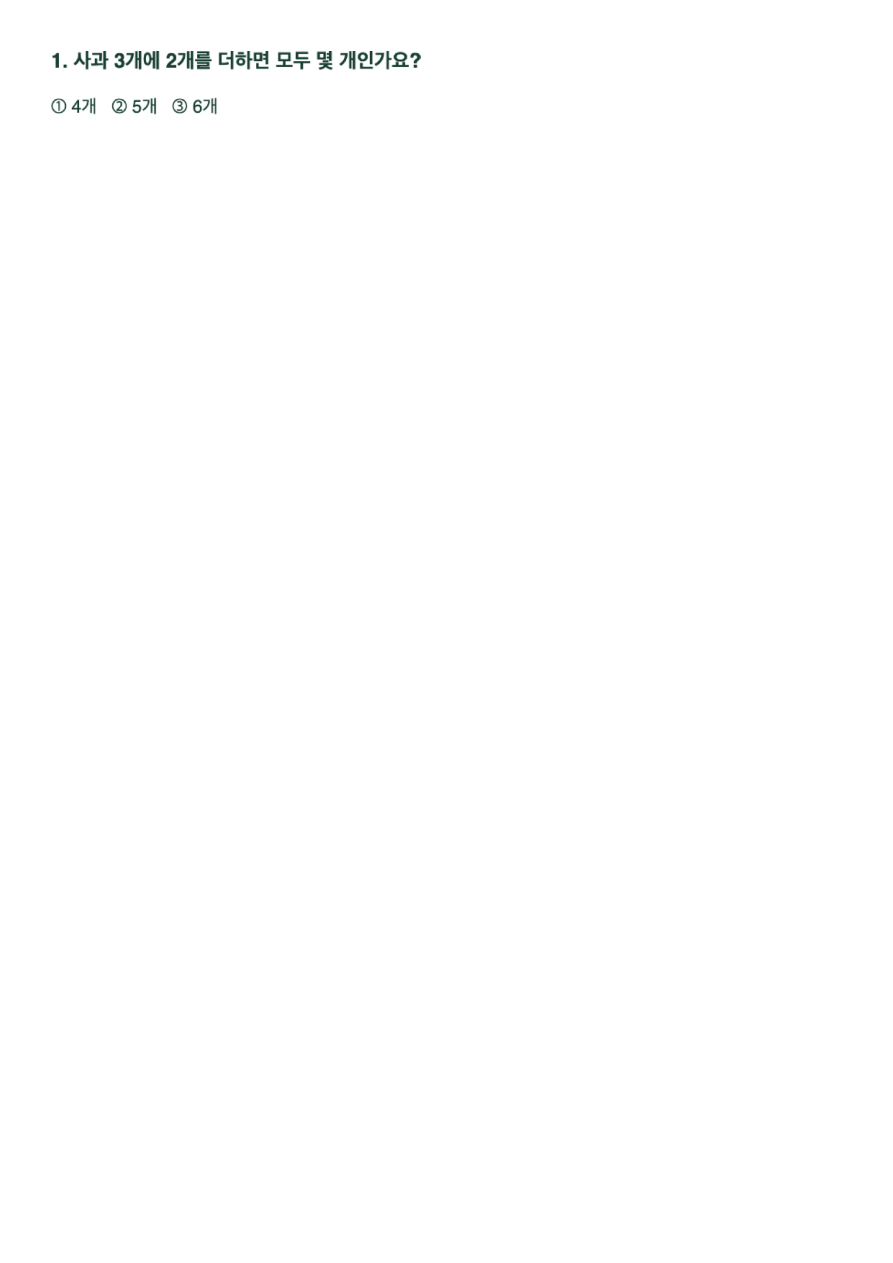
Import the saved PDF into your note app
You can import the saved PDF into a note app that supports PDF annotation. Availability varies by app and version. See the guides below for app-specific import steps. Import menus and pen features vary by app and version.
Import a revision PDF into Notability →
What goes on each revision page
Split the writing space under each question into four boxes and the page is quick to reread. A log that only copies the correct answer does not help the second time.
- Why I got it wrong
One line on why the choice I picked looked plausible. Not “I didn't know” but “I missed this condition”. - What to check next time
The single condition that separates the correct answer from mine. The first thing to look for when the same type appears. - Solve again
Cover the answer and retry a few days later. An empty box means the question has not been reviewed yet. - Other notes
Related concepts, similar question numbers, things to ask a teacher.
The app and the web pass
The demo handles 2 questions at a time. To collect a whole exam in one go or save with a template that includes analysis boxes and lines, use the standalone app (one-time purchase) or the web pass. Check the app page for currently available platforms and prices.